Reviewing Leave Requests
The Leave Review module is the central hub for managing staff leave requests for time off work.
Navigation
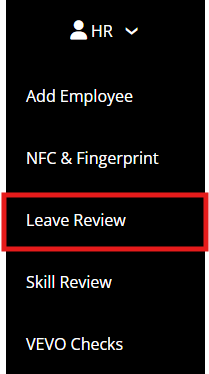
All leave requests can be reviewed and actioned from our Leave Review page by navigating to:
Menu > HR > Leave Review
Leave Review Hub
The Leave Review Hub provides a clear, concise and informative breakdown of all leave requests submitted by an employee or management.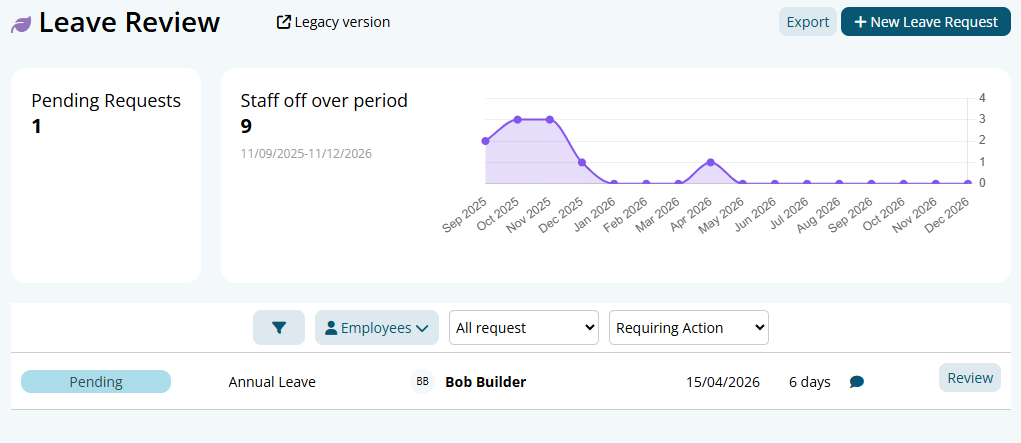
The Leave Review Hub contains the following helpful information:
- Pending Requests
The pending requests section informs the user how many leave requests have not been actioned. Pending leave requests will not carry across to payroll unless completed.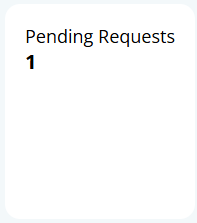
Staff Off Over Period
The Staff Off Over Period section provides a graph outlining the amount of leave approved within a month. This allows management to make an informed decision based on the current workforce availability.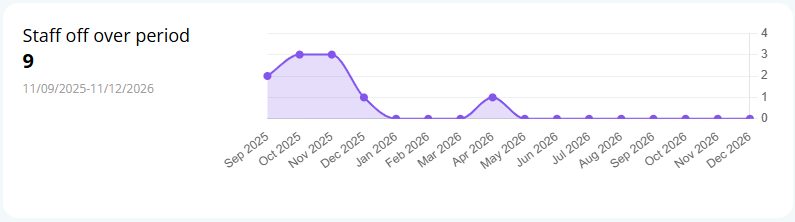
Leave Filters Leave requests can be filtered using various tools, these include:
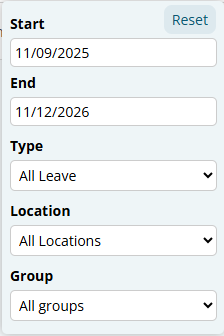
Cone Filter: The cone filter allows you to change the Start and End time, the type of leave (Annual, Personal etc.), the location and group of employees
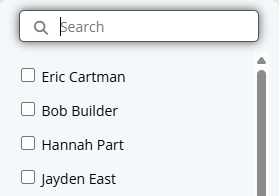
Employees: Leave can be filtered via specific employees
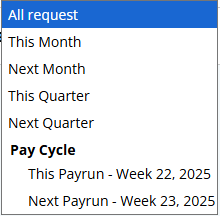
- Request Timing: Filters leave via the period of time you would like to see (eg. This month, this payrun, next quarter etc.)
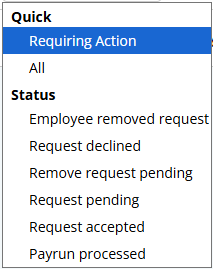
Status: Leave can be filtered via status (eg. Requiring Action, Approved etc.)
Leave Requests
You will be able to see all leave requests depending on what filters were selected in the section above. It displays important information such as the status of the request, the employee, the date and the amount of time requested.

Reviewing a Leave Request
More information on a leave request can be found by clicking the Review button next to each request. This will provide important details when deciding to approve any leave.
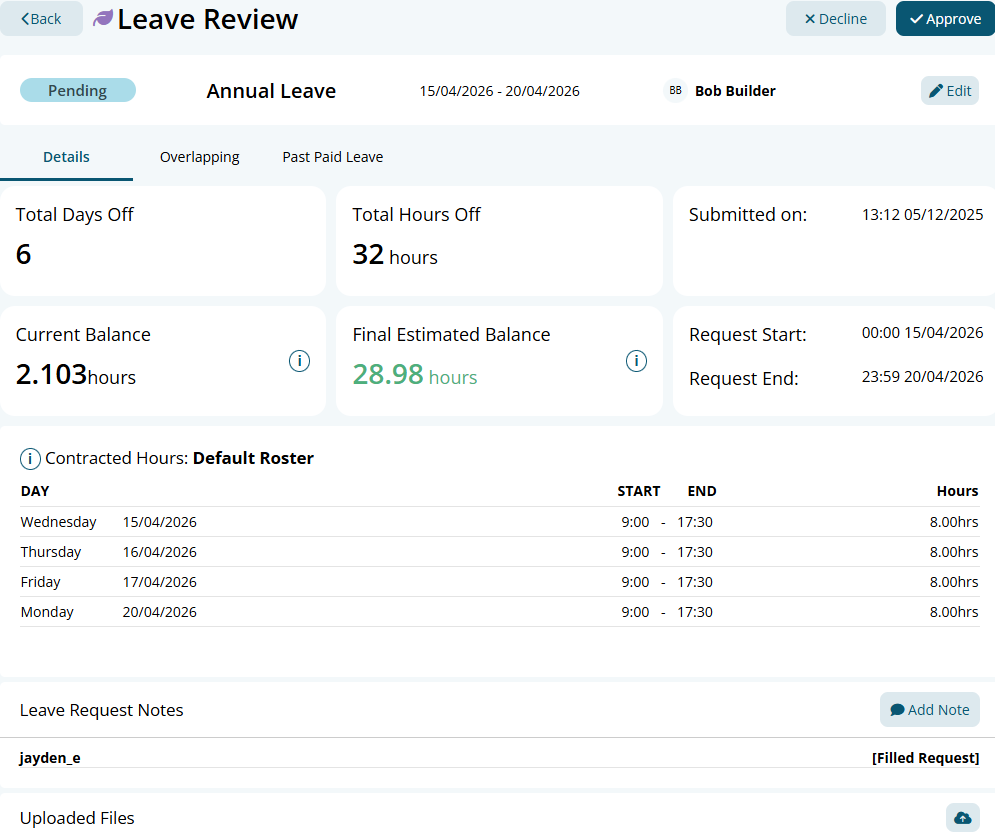
The leave review page contains the following information:
- Total Days Off: This outlines the amount of days off. (Please note, this will include weekends in its calculation but will not deduct any hours from their leave balance if it is not within their Contracted Hours)
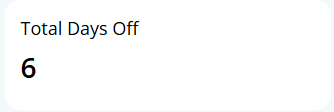
- Total Hours Off: This outlines the amount of hours that will be deducted from their leave balance. (This is calculated based off their Contracted Hours)
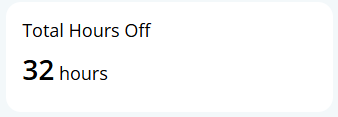
- Submitted On: This displays the time and date the leave request was submitted by the employee or management on their behalf.
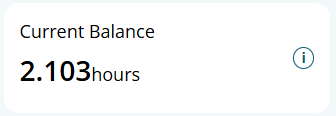
- Current Balance: This outlines the current balance of the employee upon clicking the Review button. (Please note, this number will not account for any future leave and purely displays the amount on the day of reviewing)
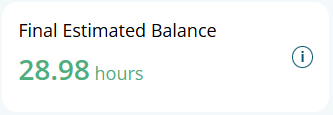
- Final Estimated Balance: This outlines the amount of leave an employee is expected to have when the leave is taken. If they have multiple leave requests within the same payrun period, it will not take this into consideration.
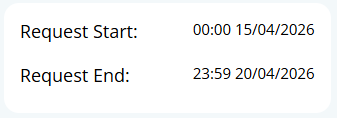
- Request Start / End: This displays the start and end dates of the leave request. If full days are being taken, it should always be from 00:00-23:59. (Please note, if the end time is 00:00, it will not take into account the next day due to the leave technically ending a second past midnight)
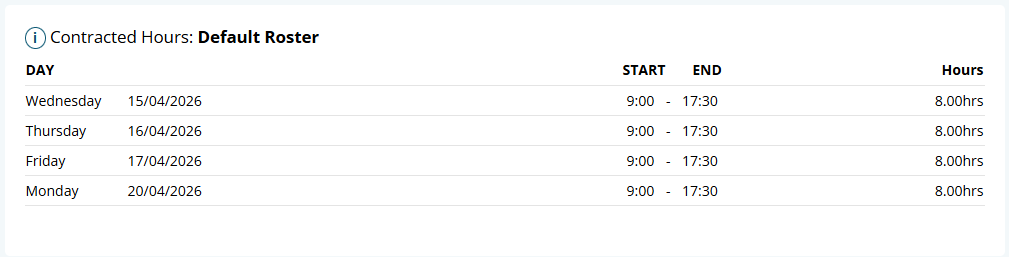
- Contracted Hours: This section displays the employees current Contracted Hours. This is driven by what roster they are set to within their employee profile and calculates how many hours to deduct based on these times. (Please note, if no roster is set for an employee, the system will not deduct any hours from their balance).
- Leave Request Notes: This section displays when the request was created, any changes made to the request and any notes that have been manually input via the Add Note button.

- Uploaded Files: This section displays any files the employee has uploaded to the leave request such as Doctors Certificates.

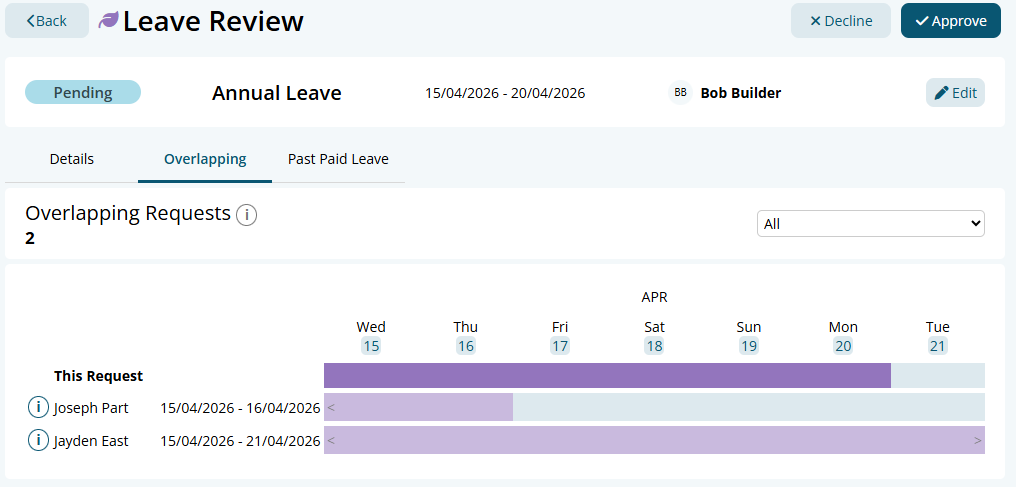
Overlapping Leave
The Overlapping Leave tab within a leave request outlines the employees that have applied for leave over the same time period. This will help management make informed decisions based on who is available for certain periods.
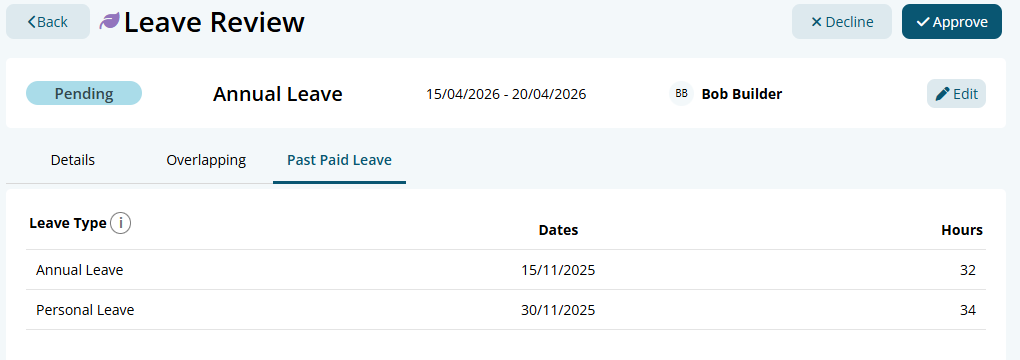
Past Paid Leave
The Past Paid Leave tab displays all leave requests that have been processed through payroll. This information includes the type of leave, the date ranges and the amount of hours taken.
Leave Request Statuses
| 1 | Request pending | The employee has submitted a request for leave form via the employee console |
|---|---|---|
| 2 | Remove request pending | If a request has been accepted, the employee has to request to have it removed, this option is only available to the leave request |
| 3 | Request accepted | Someone with access has accepted the leave request and it will be sent to payroll |
| 4 | Request declined | Someone with access has declined the request |
| 5 | Payrun processed | The request has been processed through payroll, no further action required (This one is no longer in use with Leave 2.0) |
| 6 | Employee removed request | The employee has removed the request, the employee might have made a mistake thus had to remove the request and fill a new form before a request is accepted. The employee can instantly remove the request. |